How to create a MetaMask wallet and prepare recovery
Installation, recovery phrases, social access and permissions: what to check before using a MetaMask wallet.
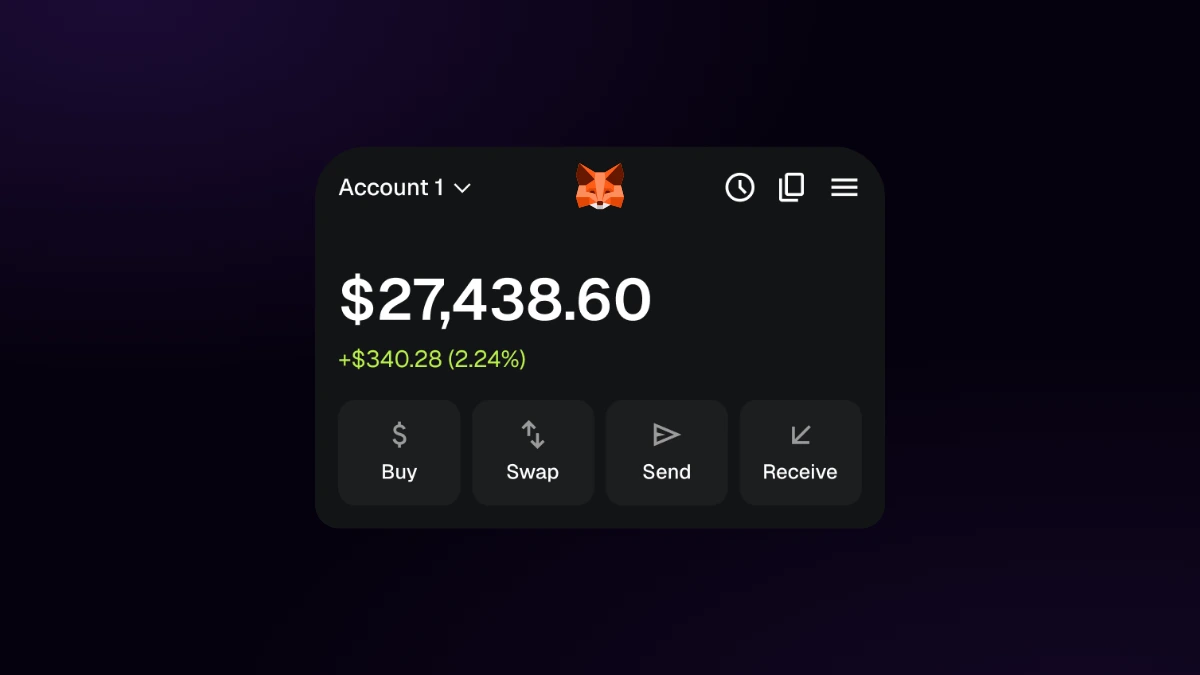
MetaMask is a wallet for managing accounts and interacting with blockchain applications. Creating an account is the first step toward viewing assets and authorizing transactions. It also involves choosing how to access the account and how to restore access if needed.
Setup depends on the platform and installed version. MetaMask offers options with different requirements, such as a recovery phrase or access through a social account. Before depositing funds, complete the official setup process and retain the credentials required by your chosen method.
Install from the official source
Download the extension or app from MetaMask. Check the publisher and domain before installing. A wallet manages access and signatures; assets are recorded on their respective networks, not inside the app.
Choose creation and recovery methods
The official creation guide distinguishes recovery phrase access from social account options, depending on platform and version. Recovery requirements differ. Review the documentation for your selected method before depositing funds.
The traditional flow generates a recovery phrase that must remain private and in its original order. Do not translate it or share it with an application, chat support or a supposed verification service. Anyone obtaining the phrase can control its derived accounts.
Social access should not be confused with a bank account recoverable by customer support. Check required credentials and passwords, account synchronisation and backup recovery options. Do not assume every mode stores all key material exclusively on the device.
Check networks, addresses and permissions
Before receiving an asset, confirm that its network and address type are compatible with the originating issuer or platform. MetaMask supports more than EVM networks; specific compatibility depends on version and account. Do not add a network or RPC based on an unsolicited message.
When connecting a dApp, distinguish connection, message signatures and token spending approvals. These grant different permissions. Review recipient, amount, network and approval scope; an interface can request operations that differ from its visible description.
Make a first verifiable transaction
After creating the account, select the intended network and copy the address from the wallet itself. Compare it with the destination displayed by the sending service. A valid address format does not establish that you selected the correct network.
Send a small initial transfer and retain its transaction identifier. Check confirmation on that network’s explorer and compare the balance, asset and receiving account. A token missing from the interface is not proof of loss: it may need to be displayed. Before importing one, verify its contract through an official issuer source.
When sending later, distinguish the transferred asset from the asset paying the fee. In a conventional EVM transaction, holding an ERC-20 token does not imply having the native asset needed for gas. Some applications sponsor fees; the interface should explain the arrangement for that operation.
Connecting an application does not authorise spending
For example, connecting a dApp lets it request access to the account; an ERC-20 approval gives the specified contract spending authority. Check the allowance and recipient contract before signing. Disconnecting the website does not itself revoke approvals already recorded.
The process is complete when you can identify the account, network, confirmed operation and permissions that remain active. These checks are more durable than memorising a button’s position, which may change between versions.
Prepare recovery and everyday use
Keep a private inventory of networks and accounts without copying secrets into shared documents. For imported accounts or hardware devices, check their own recovery process. A single restoration flow may not recover every account type.
Self-custody requires understanding these distinctions. A guide does not replace reviewing current screens and documentation for the installed version, particularly before authorising an irreversible operation.

Frequently asked questions
Got a blockchain project in mind?
From idea to product, strategy and technology must move forward together.